

Pop Mart Photos: How to Take Stunning Pictures of Your Art Toy Collection
Your Pop Mart Figures Deserve Better Than a Blurry Phone Snap
Okay, real talk — you just unboxed a figure you've been hunting for weeks, and your first instinct is to rip open the box, hold it up, and snap a photo with one hand. We've all been there. But your Pop Mart photos can be so much better with just a little thought, and honestly? Photographing your collection is half the fun of collecting.
Whether you're showing off a new pull on Instagram, listing a trade on Reddit, or just building your personal archive, good Pop Mart photos make all the difference. I've spent way too many hours arranging tiny figures on windowsills and shooting with my phone flashlight as a backlight — and I've learned a few things along the way.
Why Pop Mart Figures Are Perfect for Photography
There's a reason art toy photography has blown up on social media. Pop Mart figures — from the expressive faces of Molly and CryBaby to the wild textures on Skullpanda and MEGA Space Molly — are designed with an insane level of detail. These aren't cheap happy meal toys. They're miniature sculptures with metallic finishes, translucent materials, and intentional color palettes that photographers dream about.
Take something like the MEGA Space Molly 100% Charlie Brown & Snoopy set — the Peanuts collab has that retro color blocking that just pops in photos. The contrast between Snoopy's classic white and the warm tones of Charlie Brown's shirt gives you a ready-made color story without any editing.

The "Instagrammability" Factor
Pop Mart has leaned hard into making their figures photogenic. The MEGA Space Molly line especially — those helmet designs with intricate prints and reflective surfaces catch light in ways that create natural visual interest. The MEGA Space Molly 100% Chip 'N' Dale edition, for example, has those warm Disney browns and the playful character expressions that give you instant personality in every shot.

Pop Mart Photo Tips That Actually Work
1. Natural Light Is Your Best Friend
Forget ring lights for a second. The single best thing you can do for your Pop Mart photos is shoot near a window during the day. Soft, indirect light (not direct sun blasting in) makes the colors accurate and the details pop without harsh shadows. Overcast days? Even better — nature's softbox.
Place your figure on a windowsill with a white piece of paper curved behind it, and you've got a mini studio that costs literally nothing.
2. Get Low — Like, Really Low
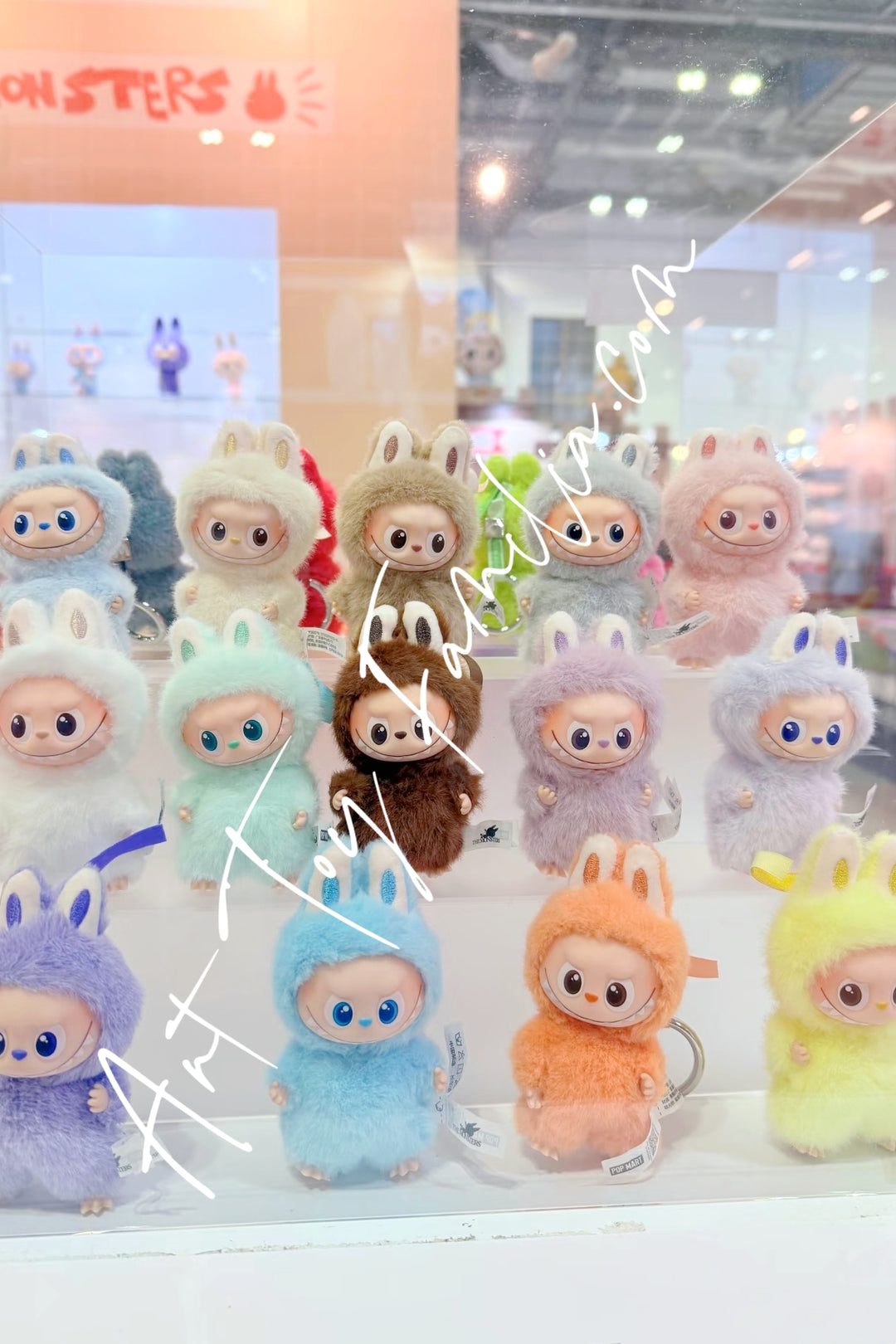
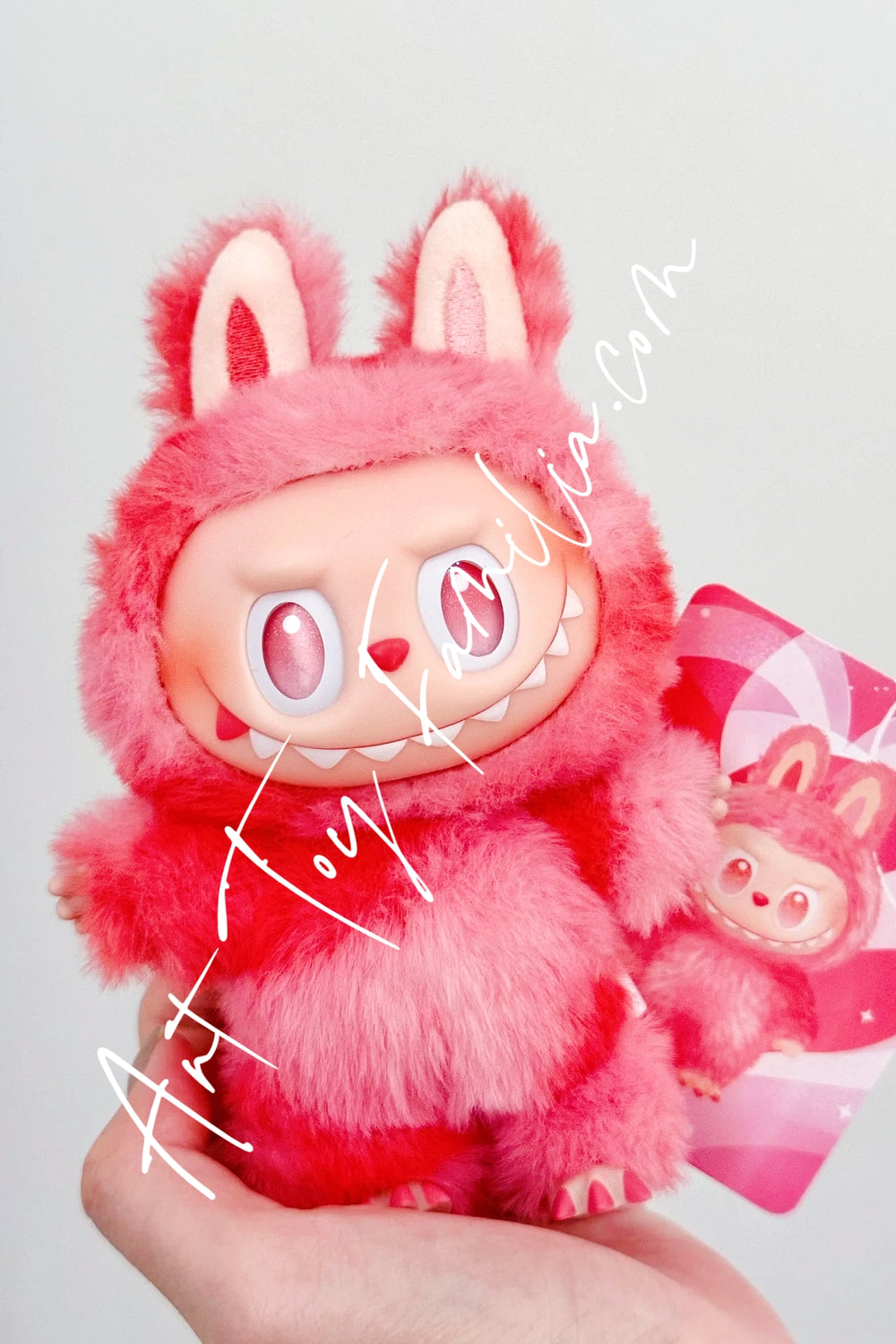
Most people photograph their figures from above because that's where their phone naturally is. But here's the thing: your figures are designed to be seen at eye level. Get your camera down to the figure's height. Suddenly that 3-inch Labubu looks like it has presence and weight. The perspective shift is dramatic.
3. Background Matters More Than You Think
A cluttered desk behind your figure kills the vibe. Some easy fixes:
- Solid color paper or fabric — match or contrast with the figure's main color
- Books or plants — create depth without chaos
- Other figures — group shots tell a story (your whole MEGA Molly shelf? Chef's kiss)
- Themed setups — seasonal props, miniature furniture, even outdoor scenes
4. The Unboxing Shot
There's a whole genre of Pop Mart photos dedicated to the unboxing moment — that split-second where the inner box is cracked and you can juuuust see what's inside. These do incredibly well on TikTok and Instagram. Keep the packaging clean, shoot from slightly above at an angle, and capture the anticipation. Bonus points if your reaction is genuine (and it usually is with blind boxes).
Creative Pop Mart Photo Ideas to Try
The "Day in the Life" Series
Pose your figure in everyday scenarios — sitting at your desk, "reading" a book, chilling with your morning coffee. It sounds silly, but these humanizing shots get crazy engagement because people project personality onto these little characters. A Skullpanda figure brooding next to an espresso? Mood.
Mix Your Collection for Visual Interest
Don't just photograph each figure alone. Mix brands, mix scales, mix vibes. A handmade crochet art doll sitting next to a glossy MEGA Space Molly creates this beautiful contrast between soft craft textures and polished vinyl that's visually interesting. Mixing media in your photos tells people you appreciate the full range of the art toy world.
Seasonal and Holiday Themes
Christmas scenes with fairy lights and tiny figures in "snow" (baking soda works). Halloween setups with dramatic lighting. Spring shoots in actual grass. Seasonal Pop Mart photos keep your content fresh and give you an excuse to redecorate your display shelf four times a year — which, let's be honest, you were going to do anyway.
Phone vs. Camera: What Do You Actually Need?
Here's the honest answer: a recent smartphone is more than enough. The latest iPhones and Pixels have macro modes that capture incredible detail on small figures. Portrait mode can give you that creamy background blur that makes your MEGA Molly look like it belongs in a gallery.
That said, if you want to level up:
- A macro lens attachment ($15-30) for extreme close-ups of paint details
- A small tripod or phone mount for consistency and long-exposure options
- A cheap LED panel for indoor shoots when natural light isn't available
You do NOT need a DSLR to take amazing Pop Mart photos. I've seen phone shots that blow away professional setups, purely because the collector understood their figure and chose the right moment.
Editing Your Pop Mart Photos
Less is more. A little brightness bump, some contrast, maybe slightly increase saturation to make those Pop Mart colors sing. Apps like Snapseed (free) or VSCO give you everything you need. The biggest mistake I see is over-filtering — those figures already have gorgeous colors. Don't wash them out with a vintage filter.
For product-style shots (if you're selling or trading), keep edits minimal and true-to-color. Collectors want to see the actual figure, not your Lightroom preset.
Share Your Pop Mart Photos With the Community
The art toy community is one of the most supportive creative spaces online. Tag your photos with #PopMart, #BlindBox, #ArtToy, and specific series tags like #SpaceMolly or #Labubu. Join collector groups on Facebook and Reddit where people genuinely appreciate good photography of these figures.
And if you're looking to grow your collection with figures that are genuinely photogenic, the MEGA Space Molly × Peanuts set and the Chip 'N' Dale edition are absolute standouts. Those Disney collabs have a timeless quality that looks good in literally any setup.
Now go shoot something. Your collection's been sitting there looking gorgeous — time to show the world. 📸








Leave a comment